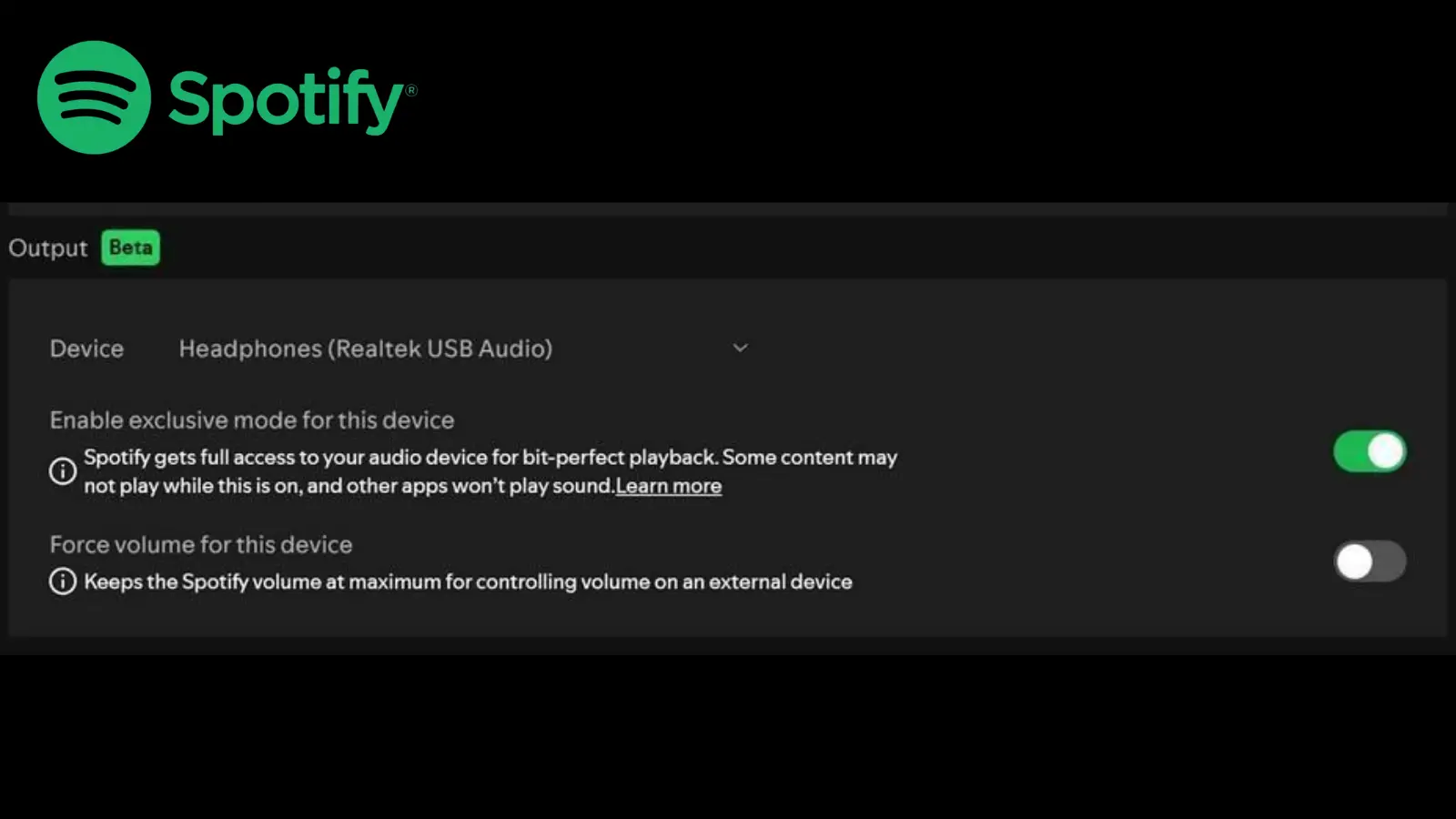
Spotify Exclusive Mode Windows: Bit-Perfect Playback Now Available for Premium Users
For years audiophiles dismissed Spotify as a lossy streaming service not worth serious attention. That argument just got a lot harder to make.”
Spotify has quietly added one of the most requested features in its history, Exclusive Mode on Windows. It sounds technical. The implications are enormous. Here is exactly what changed and why it matters for anyone who cares about sound quality.
What Is Spotify Exclusive Mode?
Normally, when you play music on a Windows computer, the audio doesn’t go straight from the app to your DAC or headphones. It gets routed through the Windows audio engine first, and along the way, Windows might resample it to match your system settings, mix in notification sounds, and apply its own volume adjustments.
All that messing around ends up messing with the original signal. Exclusive Mode cuts all that out. Spotify puts it pretty simply: without exclusive mode on, your computer can alter the audio before it reaches the DAC by resampling it, mixing in other system sounds, and changing the volume.
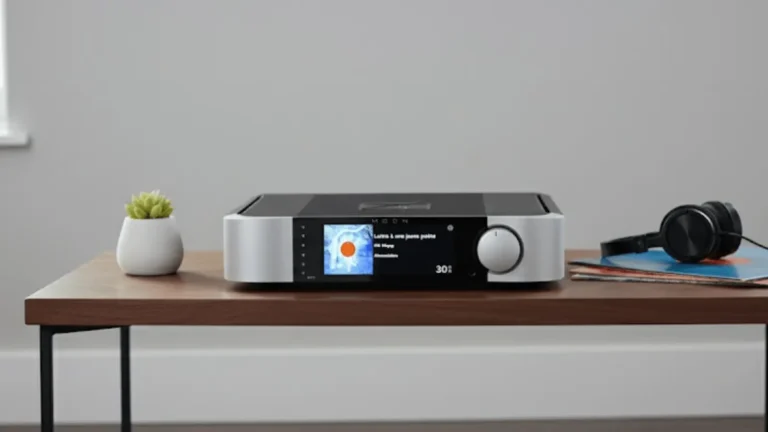
ifi Neo Stream Sound Signature Review: Best Network Player
When you turn Exclusive Mode on, Spotify takes full control of your audio output. The signal goes directly from the app to your DAC completely untouched and unaltered, exactly as it was recorded and mastered. That’s what people mean when they talk about bit-perfect playback.
Why This Matters for Audiophiles
Bit-perfect playback isn’t exactly a new thing. Dedicated music players like Foobar2000, Roon, and JRiver have had exclusive mode or WASAPI output for years, and audiophiles have been using them specifically to get around the Windows audio engine for that very reason. What is new is that Spotify, the biggest streaming platform out there with over 600 million users, now offers the same capability.
You don’t need a dedicated music player anymore to get bit-perfect output on Windows. You just get it right inside the app you’re probably already using. For anyone listening with a decent DAC and wired headphones, this is a real audible improvement, not just some marketing fluff.
How to Enable Spotify Exclusive Mode on Windows
Enabling it takes under a minute:
- Open Spotify on Windows
- Click your profile icon → Settings
- Scroll to Audio Quality
- Find Exclusive Mode — toggle it ON
- Select Lossless quality in the same settings menu
- Use wired headphones or a wired DAC connection for best results
Spotify recommends using wired headphones alongside Exclusive Mode — Bluetooth introduces its own resampling and compression regardless of the source quality, which defeats the purpose of bit-perfect playback.
What About Lossless Streaming on Spotify?
Exclusive Mode only really makes a noticeable difference when you’re pairing it with lossless audio. The good news is that lossless streaming has been available on Spotify Premium since September 2025, and it’s included in the standard $13 a month subscription in the US. This whole thing completes a journey that started with a promise back in 2017, then an official announcement under the name Spotify HiFi in 2021, and years of delays before it finally arrived four years later. Exclusive Mode is really the final piece of the puzzle, giving you lossless content with a bit-perfect signal path all the way from the app to your DAC.
When Is Spotify Exclusive Mode Coming to Mac?
Currently, Exclusive Mode is Windows only. Spotify has confirmed it will arrive on macOS in a future update, but no release date has been given. Mac users can follow Spotify’s official blog for updates.
What You Need to Get the Best Result
- Spotify Premium subscription: $13 per month in the US
- Windows PC: macOS support coming later
- Lossless mode is enabled in Spotify settings
- Wired headphones or wired DAC: Bluetooth bypasses the benefit
- Exclusive Mode toggled ON in settings