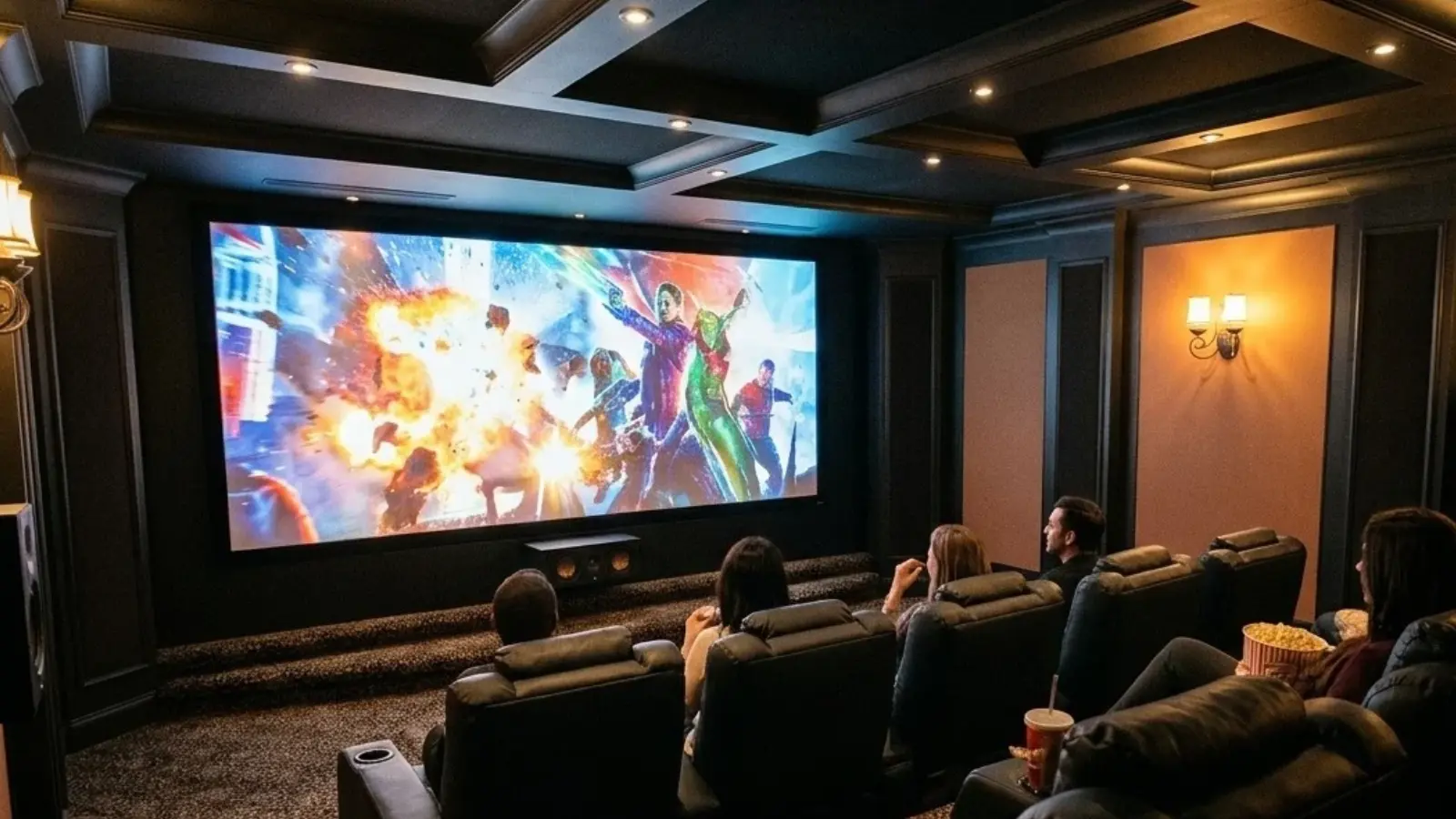
How to Keep Your Home Cinema Room Clean: Carpets, Dust, and Drink Spills
A home cinema is designed to make movie nights more enjoyable, but keeping the room clean can be surprisingly challenging. Between carpeted floors, upholstered cinema seats, speaker grilles, subwoofers, and AV equipment, dust and dirt can accumulate in places that are easily overlooked. Then there are the inevitable popcorn crumbs, spilled drinks, and occasional food stains that come with watching movies at home.
Unlike an ordinary living room, a dedicated home cinema often contains a considerable amount of audio and video equipment surrounded by soft furnishings. Cleaning it requires a little more attention, particularly when dealing with delicate electronics, moisture-sensitive flooring, and expensive seating.
The good news is that maintaining a clean home cinema doesn’t require an elaborate cleaning routine. With the right techniques and a few practical tools, you can keep your listening and viewing environment comfortable without risking damage to your equipment.
Why Home Cinema Rooms Need Special Attention
Home cinema rooms have several characteristics that make cleaning different from maintaining an ordinary living space.
Carpets are particularly common in dedicated theaters because they help absorb sound reflections and reduce unwanted noise from footsteps. However, they also collect dust, pet hair, popcorn crumbs, and other debris. Over time, these particles can become embedded deep within carpet fibers.
Upholstered cinema seats present another challenge. Popcorn, snack crumbs, and dust can accumulate between cushions, underneath seats, and around reclining mechanisms. These areas are often neglected during routine cleaning.
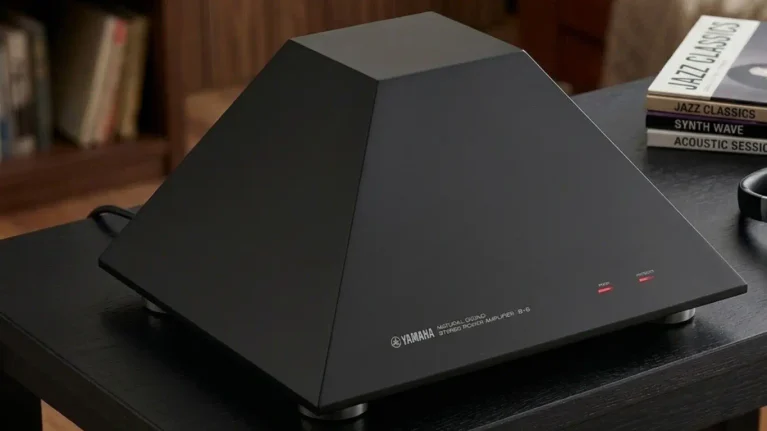
Audio equipment also deserves attention. Subwoofers, floorstanding speakers, AV receivers, and amplifiers have ventilation openings that can collect dust. Excessive dust buildup around ventilation areas can interfere with airflow, making regular equipment maintenance important.
There is also the matter of drinks. Many people enjoy having Coke, coffee, or other beverages while watching movies. Unfortunately, an accidental spill on a carpet or upholstered seat can quickly turn an enjoyable movie night into a cleaning exercise.
How to Clean Home Cinema Carpets Without Damaging Them
Carpets are among the most important surfaces to maintain in a dedicated home theater. They collect loose debris, fine dust, hair, and food particles, particularly around seating areas.
Regular vacuuming is the simplest way to prevent dirt from accumulating. Pay particular attention to the areas underneath cinema seats, along the edges of the room, and around subwoofers and speaker stands.
For everyday maintenance, a conventional vacuum cleaner with an appropriate carpet attachment is usually sufficient. However, occasional spills require a different approach.
If someone accidentally spills Coke, coffee, or another beverage, avoid rubbing the affected area. Rubbing can push liquid deeper into the carpet fibers and spread the stain. Instead, gently blot the spill using a clean, absorbent cloth.
For sticky drinks such as soda, follow the carpet manufacturer’s cleaning recommendations and use an appropriate carpet-safe cleaning solution. Avoid soaking the carpet, as excessive moisture can damage certain flooring materials and create conditions for mold growth.
For hard floors elsewhere in the room, a wet & dry vacuum with a dedicated wet-cleaning head can help deal with drink spills and sticky residue. For example, the Dyson V16 Piston Animal Submarine combines dry vacuuming with a separate wet roller head designed to wash spills and stains from hard floors. Its wet roller is not intended for extracting liquid from carpets, so blot carpet spills and follow the carpet manufacturer’s cleaning instructions instead.
However, always check the manufacturer’s instructions before using one on carpets. Not every wet and dry vacuum is designed for extracting liquids from carpet fibers.
Keeping Cinema Seats, Speakers and AV Equipment Dust-Free
Carpets aren’t the only surfaces that need attention. Cinema seating, speaker cabinets, and AV equipment can all collect dust over time.
Start with the seating. Use a suitable upholstery attachment to remove loose dust and crumbs from cushions, seams, and the spaces between seats. Check the manufacturer’s care instructions before applying any cleaning products or moisture.
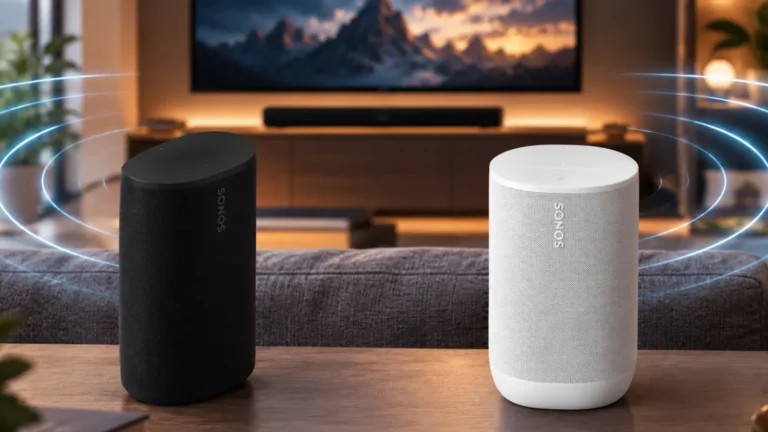
Speaker cabinets can generally be cleaned with a soft microfiber cloth. For speaker grilles, use a gentle approach and avoid applying excessive pressure, particularly if the grille material is delicate.
When cleaning subwoofers and loudspeakers, pay attention to ventilation openings and areas around the driver surrounds. Avoid touching exposed speaker cones or using powerful suction directly against them.
AV receivers, power amplifiers, media players, and other electronics require additional care. Switch off equipment before cleaning its exterior, and never spray cleaning products directly onto electronic components. Use a dry microfiber cloth to remove surface dust, and follow the manufacturer’s instructions when cleaning ventilation openings.
It is also worth checking the space behind your equipment rack. Dust can accumulate around cables, power outlets, and ventilation areas, particularly in equipment cabinets with limited airflow.
Wet and Dry Vacuum vs. Robot Vacuum: Which Is Better for a Home Theater?
Different cleaning tools serve different purposes, and a home cinema can benefit from more than one type of vacuum.
A conventional vacuum cleaner is useful for regular carpet maintenance, while a robot vacuum can help collect everyday dust and loose debris with minimal effort. A wet and dry vacuum serves a different purpose, particularly when dealing with liquid spills and heavier debris.
| Cleaning Equipment | Best Use in a Home Cinema |
|---|---|
| Conventional vacuum | Regular carpet and upholstery cleaning |
| Robot vacuum | Everyday dust, hair, and loose debris |
| Wet and dry vacuum | Liquid spills, wet messes, and compatible dry debris |
| Microfiber cloth | Speaker cabinets, furniture, and equipment exteriors |
| Upholstery attachment | Cinema seats and fabric surfaces |
A robot vacuum is particularly convenient for maintaining open floor areas between deeper cleaning sessions. However, it cannot replace manual cleaning around cinema seats, cables, speaker stands, and equipment racks.
A wet and dry vacuum offers greater versatility when accidental spills occur. It can also be useful for cleaning entryways and other areas where dirt and moisture are regularly brought into the house.
The most practical choice depends on the room’s flooring, furniture, and cleaning requirements. Before purchasing either type, consider storage space, noise levels, maintenance requirements, and compatibility with the surfaces you intend to clean.
How Often Should You Clean Your Home Cinema?
A simple maintenance schedule can prevent dirt and dust from accumulating without requiring hours of work every week.
| Cleaning Task | Suggested Frequency |
|---|---|
| Remove popcorn crumbs and food debris | After movie nights |
| Clean accidental drink spills | Immediately |
| Vacuum carpets | Once or twice a week |
| Wipe speaker cabinets and furniture | Weekly |
| Clean cinema seats and upholstery | Weekly or as needed |
| Clean underneath seats and furniture | Monthly |
| Inspect AV equipment ventilation | Monthly |
| Deep-clean carpets | As needed, following carpet-care guidance |
These are general recommendations rather than strict rules. A home cinema used every evening will naturally require more attention than a room used occasionally on weekends.
Households with pets or children may also need to vacuum carpets and seating more frequently.
Common Home Cinema Cleaning Mistakes to Avoid
Cleaning a home theater requires some caution because it contains a mixture of flooring, fabrics, furniture, and sensitive electronics.
A few mistakes are particularly worth avoiding:
- Using an ordinary vacuum to collect liquids: Standard dry vacuums are not designed to handle liquid spills. Use only equipment specifically rated for wet pickup.
- Rubbing spilled drinks into carpets: Blot the affected area instead of rubbing, which can spread the stain.
- Using excessive moisture: Over-wetting carpets and upholstered furniture can cause damage and create moisture problems.
- Applying cleaning products directly to speakers: Certain chemicals can damage finishes, grille materials, and other delicate surfaces.
- Ignoring equipment ventilation: Dust buildup around ventilation openings can restrict airflow.
- Using powerful suction on speaker drivers: Exposed cones and delicate components can be damaged by direct contact or excessive suction.
- Neglecting the areas underneath cinema seats: These spaces often collect popcorn, dust, and other debris.
A Cleaner Home Cinema Makes Movie Nights Better
A dedicated home cinema is an investment in entertainment, and keeping it clean helps protect both the room and the equipment inside it. Regular carpet maintenance, careful cleaning of upholstered seating, and occasional dust removal around speakers and AV equipment can make a noticeable difference to the overall environment.
It also makes sense to prepare for the occasional accident. Popcorn crumbs are relatively easy to remove, but spilled Coke or coffee can become a much bigger problem if left untreated. Having the appropriate cleaning equipment available makes dealing with these situations considerably easier.
Ultimately, the best home cinema cleaning routine is one that you can maintain consistently. A little attention after movie nights, regular vacuuming, and careful equipment maintenance will help keep your theater ready for the next film.